- Right click on the Windows icon (usually found at the bottom left of your screen) and choose File Explorer.
- Select “This PC” in the menu that appears (likely on the left) and double click your C:drive, then StructureStudios folder and then Structure folder.
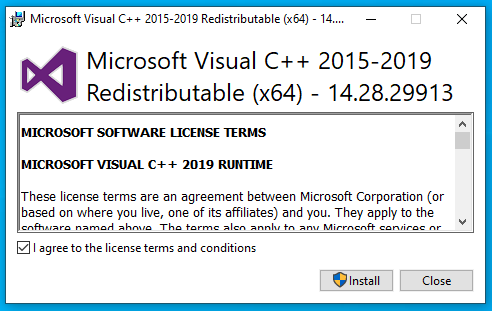
- Go to the x64 folder and run the vcredist_x64.exe file. You'll be asked to agree to install the "Microsoft Visual C++ Redistributable" package.
- The software will be ready to open.