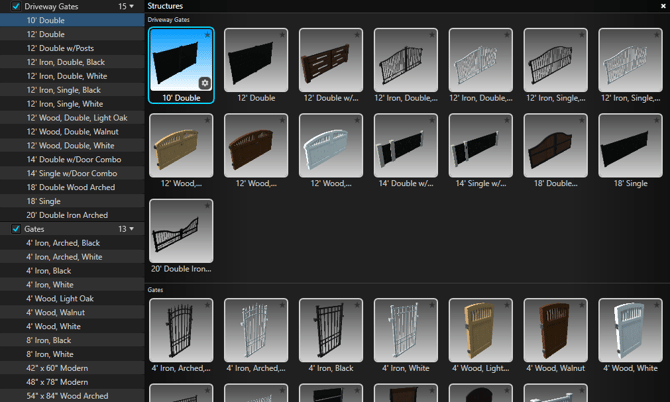
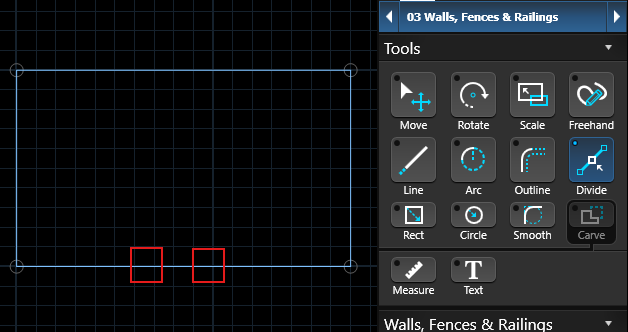
To add a gate, activate the Divide tool in the Walls, Fences & Railings stage.
Left-click to add two divide points to mark your gate.
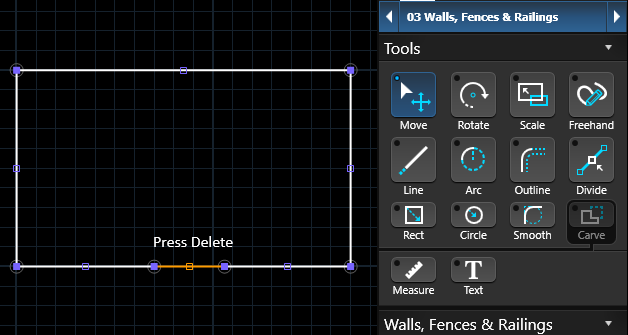
With the Move Tool, select the new segment that was created between the two divide points and press Delete.
After deleting the segment, you can either place a gate from the Library that fits the design, or draw a custom gate as a separate Fence or Railing shape.