1. Head to the Hardscapes Stage.
2. Select your pool with the Outline Tool and trace the desired length:
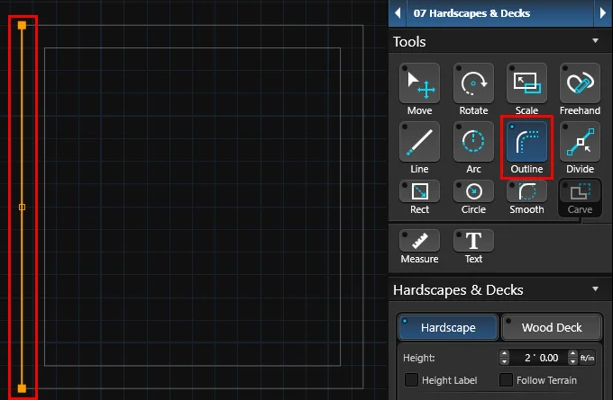
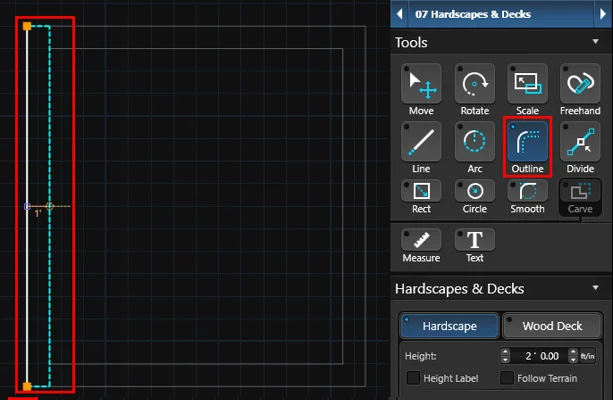
3. Left click the large orange end point. Set the offset and left click again to place it.
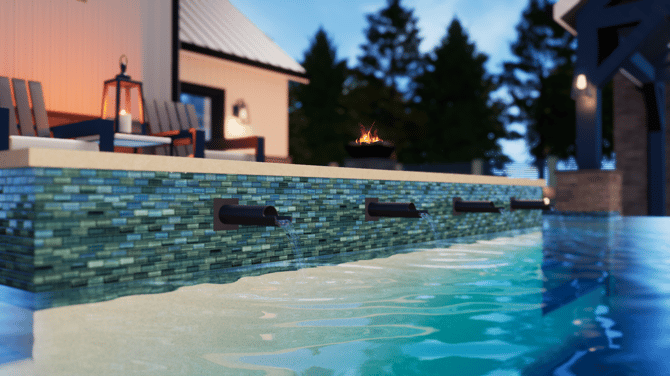
4. Head to Plants & Items to add Scuppers or Sheer Descent:
TIP: Search 🔎 the library for your favorite items.
It's easy to search the term "Water Descent" or "Scupper".